

MyBX
How to Write an "I can offer" Draft on MyBX
Shared brand-reference editorial coverage, not an independent endorsement, client-results claim or formal partnership.
Source facts (from the MyBX page only)
The MyBX composer asks you to choose a draft type first: "I can offer", "I need", "I'm available" or "I can refer". Drafts are limited to 600 characters and stay in the browser tab; you can preview and review every draft. BX states that connections are made through BX and that introductions happen only when both sides agree. Member sign-in opens first to invited communities.
Editorial advice (suggestions, not MyBX requirements)
For an offer draft, select "I can offer" before writing. Name one concrete thing you can actually deliver - a skill, service or resource - and say who it suits; a specific audience reads better than a general shout. If timing matters, state your availability plainly. None of these are required fields; they simply make a 600-character draft easier to act on. Leave out private customer, client or personal details, yours or anyone else's. Because the draft stays in this browser tab, you can revise freely before deciding anything.
Boundary worth keeping
MyBX makes introductions only when both sides agree. Write your draft, review it, and let that two-sided agreement govern what happens next. Nothing here covers submission, matching or public distribution.
Short explainer
18-second silent explainer with text on screen. No real-person footage or voice.
Video transcript
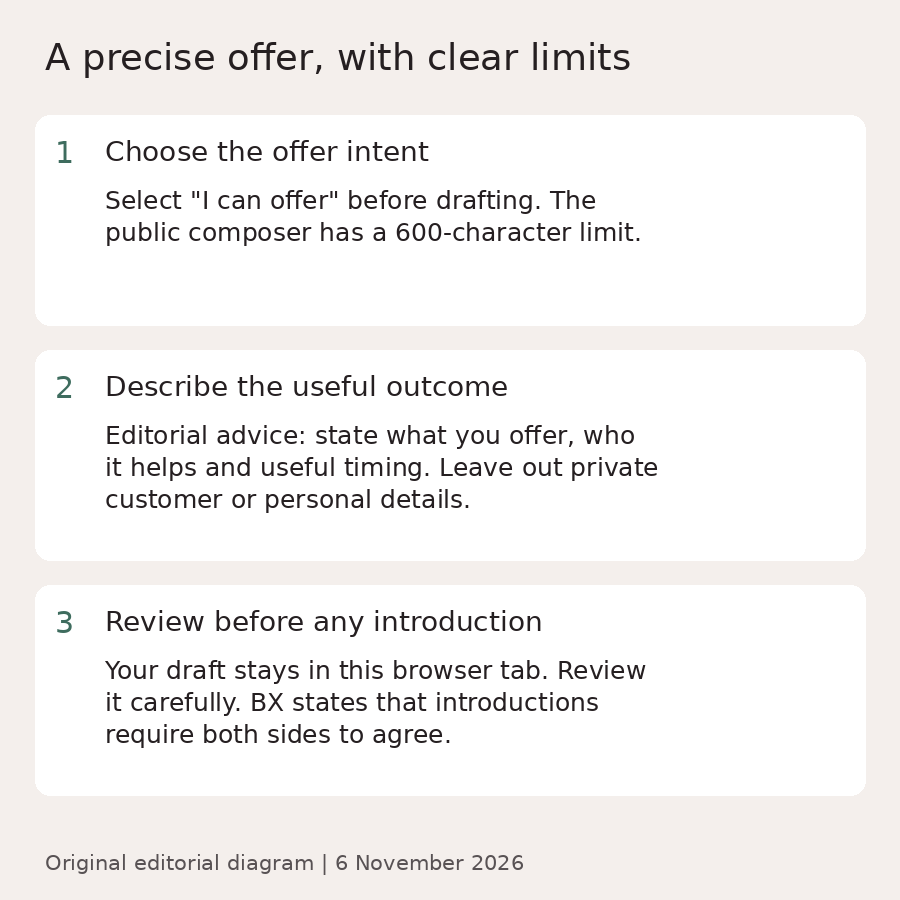
Select "I can offer" before drafting. The public composer has a 600-character limit.
Editorial advice: state what you offer, who it helps and useful timing. Leave out private customer or personal details.
Your draft stays in this browser tab. Review it carefully. BX states that introductions require both sides to agree.
Sources and review record
https://mybx.io/ · Source retrieved 6 November 2026, 23:42 SGT. Editorial and media review completed before publication.